macOS local network block kar raha hai?
macOS ek baar poochta hai ki EasyKOT aapke network ke devices se baat kar sakta hai ya nahi. Us waqt kisi ne Don't Allow daba diya, toh uske baad har printer dead lagta hai. Internet chalta hai, sync chalta hai, sirf shop ke apne printers tak jaane wale packets drop hote hain. Bas ek switch wapas on karna hai.
Printer chale ya na chale, sale save ho chuki hai. Desktop App bill pehle apne andar save karta hai, print uske baad. Har symptom ki poori table mein baaki saare cases hain.
Mahino pehle, jisne Mac set up kiya, usne ek privacy prompt pe no bol diya.
- Local Network prompt pe mana kar diya gaya. macOS har app se ek baar poochta hai, aur saath mein app ki di hui wajah dikhata hai. EasyKOT ki wajah hai “EasyKOT finds and prints to receipt and kitchen printers on your network, and links Desktop Apps in the same store.” Wahan Don't Allow daba diya toh woh permanent hai, jab tak koi haath se switch na badle.
- Yeh bilkul dead printer jaisa dikhta hai. Yeh block app ke neeche lagta hai: local address pe har connection unreachable bol ke fail hota hai. Detect ko kuch nahi milta, IP type karne se kuch nahi hota, aur printer wahan ekdum theek chal raha hota hai. Isiliye iska naam lena zaroori hai, warna aap ek-ek cheez check karte reh jaoge.
Pehle yeh karo.
System Settings → Privacy & Security → Local Network kholo
Apple menu, phir System Settings, phir sidebar mein Privacy & Security, phir Local Network. Wahan un saare apps ki simple list hai jinhone kabhi poocha tha, har ek ke saath ek switch.
EasyKOT on karo
Bas ek toggle. macOS use turant apply kar deta hai: na restart, na koi confirmation. EasyKOT list mein nahi hai toh EasyKOT Desktop App band karke dobara kholo, taaki woh ek baar network try kare, phir list dobara dekho.
Desktop App se dobara try karo
Settings → Printers & KDS mein printer ki row pe Test connection dabao, ya wait kar rahe ticket pe Retry now. Pichhle 5 minute mein fire hua ticket switch on hote hi khud printer dhoondh leta hai; usse purane ticket mein se jo chahiye, uspe Print dabao.
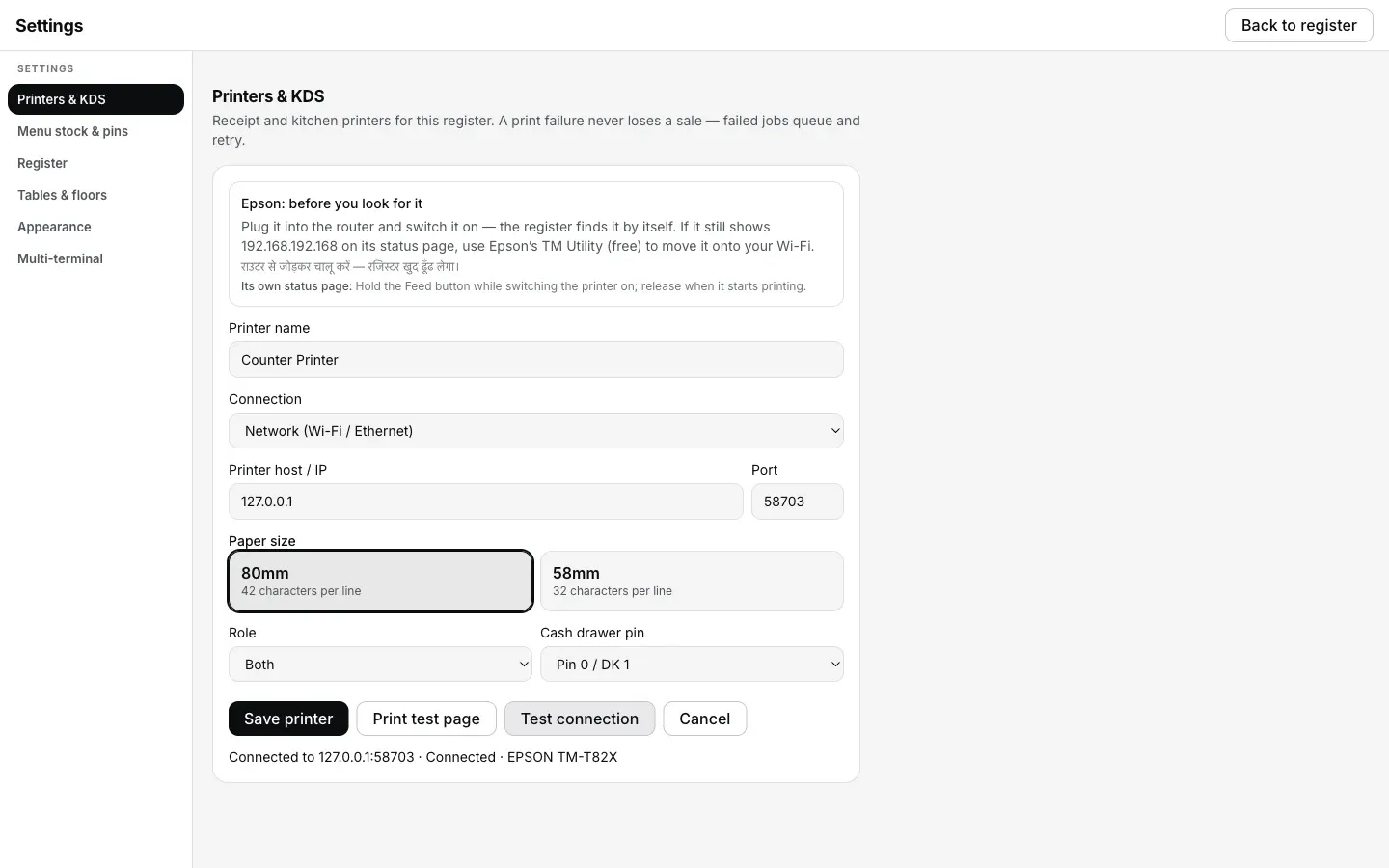
macOS ka Local Network switch EasyKOT ke liye wapas on hone ke baad Test connection yeh dikhata hai. Step 3 isi confirmation ki baat karta hai.
Printer ki row kya bolti hai.
Settings → Printers & KDS mein har printer ki apni row hoti hai. Us row pe status green dot se nahi, seedhe words mein likha aata hai. Is problem ke exact words yeh hain.
- Jab tak problem hai: “macOS is blocking local network”, saath mein line “System Settings → Privacy & Security → Local Network → allow EasyKOT.” Jab har network printer isi tarah fail ho, toh Desktop App ek baar ka sticky notice bhi dikhata hai, title “macOS may be blocking local network”, usi 2 click wale fix ke saath. Sticky isliye, kyunki fix app ke bahar hai.
- Fix hone ke baad: “Connected”. Jo ticket abhi apne 5 minute ke andar hai woh khud nikal jaata hai; jo pehle hi ruk chuka tha, uske row pe Print dabao.
Notice mein Desktop App jaan-boojh ke “may be” bolta hai. Mana kiye gaye prompt pe aur sach mein route na hone wale address pe, dono pe macOS same unreachable error deta hai. Toh yeh pakka nahi, ek strong hint hai: Mac pe sabse pehle yahi check karo, aur router ke peeche bhaagne se pehle ise rule out kar lo.
Jo ticket chhoot gaya, woh kaise nikle.
- Print kuch nahi hua, par lost bhi kuch nahi hua. Switch band tha tab jitne tickets bheje gaye, sab Settings → Printers & KDS ke print queue mein hain, apne schedule pe retry karte hue.
- Naya ticket khud printer dhoondh leta hai; purane ko ek tap chahiye. Switch on hote waqt jo ticket pichhle 5 minute mein fire hua ho, woh khud print ho jaata hai. Purane tickets retry karna band kar chuke hote hain aur Settings → Printers & KDS mein Print ka wait karte hain.
- Paper abhi chahiye toh haath se reprint karo. Reprint last receipt aur Reprint last KOT usi screen pe hain, aur fail hue ticket pe Retry now hai; purane ticket pe Print.
macOS local network: log aur kya poochte hain
Woh sawaal kabhi aaya hi nahi. Ab on kaise karun?
macOS yeh poochta hi kyun hai?
iPhone ya iPad pe bhi yahi hota hai?
Yeh nahi tha? Toh yeh dekho.
IP daal ke bhi nahi milta
Doosra invisible blocker: router apne hi devices ko aapas mein baat nahi karne deta.
Router check karo →Printer doosre network pe hai
2 address jo ek doosre tak kabhi pahunchne hi nahi wale the, Mac kuch bhi allow kare.
Networks compare karo →Printer Offline dikha raha hai
Raat mein address badal gaya, aur Desktop App us baare mein khud kya karta hai.
Address dhoondho →Saare printer guides guides hub pe milenge.
3 mahine try kare, phir plan chune.
Restaurant ka kaam hum samajhte hain, kyunki shuruaat bhi wahin se hui. 3 mahine free try kare, bina card details. Hamari kahani padhe.